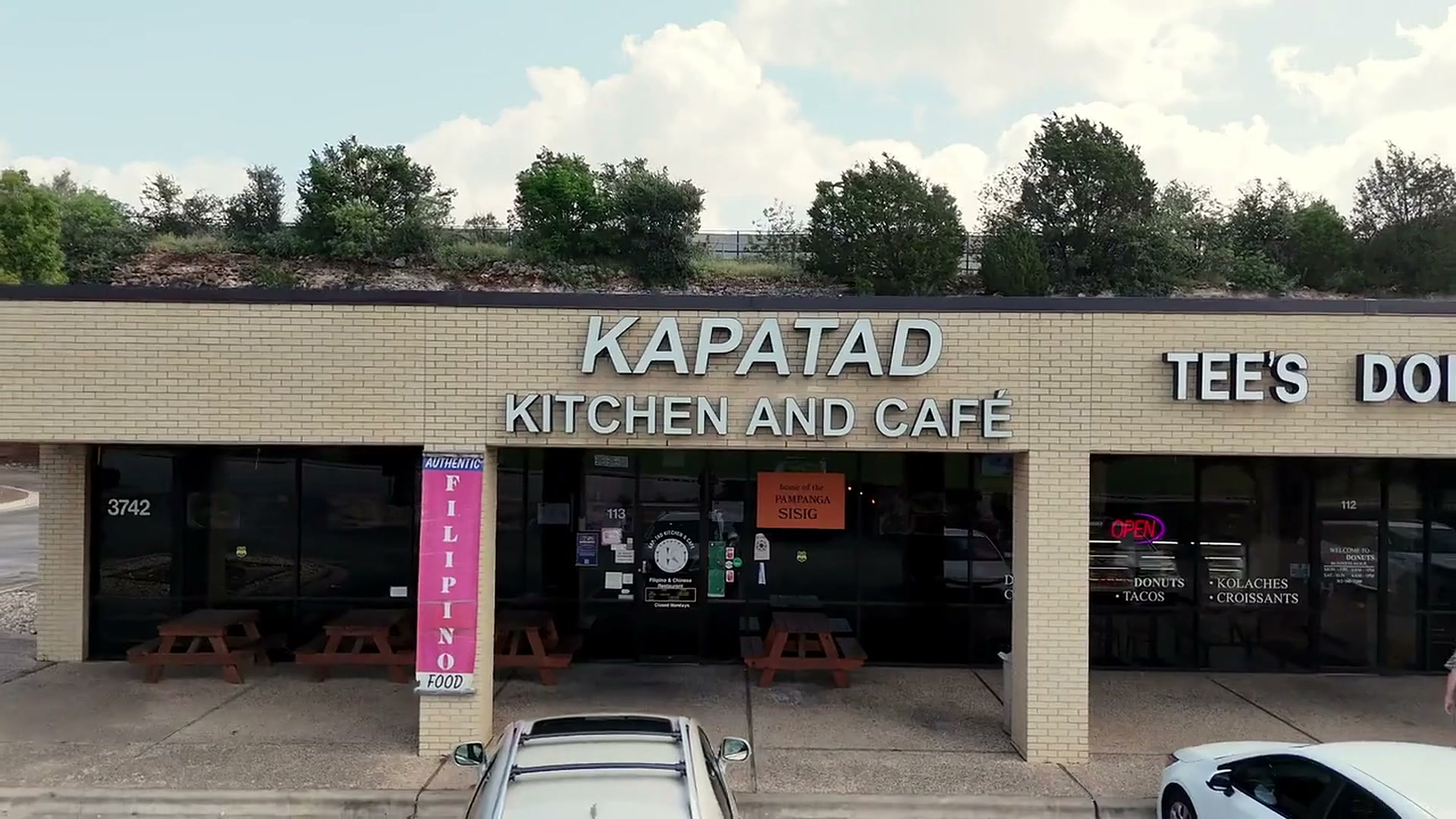
KAPATADKITCHEN & CAFE

Who's working?

Your PIN

Most ordered today

Latest activity

Everywhere.

Delivery apps.

DoorDash, Uber Eats and Grubhub orders land on the kitchen screen like any other
Where the platforms send orders · give this to the partnerPartner secret

Demo: the platforms' real partner feeds need a signed partner account each; "Simulate an order" posts to this same address.

Latest from the apps

OrderAppGuestDishesTotalStatus

The floor.

Tap a table to seat it or open its check

The menu.

Changes show on the site and online ordering within seconds
OrderGuestItemsTotalStatus

Finance, today.

Sales by channel

By method

Tips owed

Expenses by category

Sales by day

Expenses & deposits

DatePaid toCategoryHowAmount

My tips.

By day

Time clock.

Export for payroll

On the clock now

Hours this week

PersonHoursOvertimeShifts

Schedule this week

Shifts this week

PersonDateInOutBreakHours

My hours.

My shifts

DateInOutBreakHours

My schedule

Compliance & inspections.

Today's records

Temperatures today

Permits & certificates

Inspection history

Maintenance, pest control & incidents

DateKindWhatWhoCost

Photos & documents.

Catering & events.

Catering page
WhenGuestEventTotalDepositStatus

Gift cards.

Gift page
CardForBought byLoadedBalanceStatus

Get paid.

My payouts

Payouts.

Waiting for approval

Paid today

Owed right now, by person

PersonCard tips owedHours this weekEarnedAdvance availableCard on file

Rewards.

MemberPointsNext rewardLifetimeVisitsLast visit

Campaigns.

Sent and scheduled

Automations · run on their own

Latest sends

Reviews.

Checkout feedback

WhenGuestOrderStarsSaid

Promo codes.

CodeGivesWhereWhenUsedStatus

Latest uses

Listings.

One set of facts

Hours, as the listings should show them

Change hours under Hours & settings; they flow here and into the website's structured data.

Where we are listed

Pages the site builds for search

Built from the menu at publish time: one page per section, dish by dish with prices, each with its own title, description and structured data.

What to paste into a listing

Texts.

Pick a conversationEvery text we send, every reply that comes back.
Demo · pretend a guest texted us

Live: Twilio posts incoming texts to /api/sms/inbound and sends back whatever this answers.

Recipes & costs.

Menu engineering

DishSoldRevenueCostMarginProfitWhere it sits

Every dish, what it costs us

DishPriceCostFood costMarginRecipe

Ingredients used

IngredientUsedOn handPar

Vendor invoices.

VendorDatedDueTotalBrought inStatus

Forecast & schedule.

Payroll.

Export CSV
PersonRegularOvertimeRateWagesCard tips dueCash tipsAdvancesNet to pay

Tip pool.

PersonHoursTook · cardTook · cashGets · cardGets · cashChange

Closed days

House accounts.

AccountContactLimit · termsBalanceStatus

Daily checks.

Log a temperature

Unit
Reading, °F

Opening checklist

Closing checklist

This week

Reservations & waitlist.

Booking page

Book for

Walk-in waitlist

Reports

Net sales and expenses

Best sellers

Slow movers

Busiest hours

By weekday

Labor against sales

The numbers

PeriodNet salesDine inPickupDeliveryOrdersCoversTipsCashCardExpenses

Inventory & vendors.

Running low

Purchase orders

Stock on hand

ItemOn handParCostVendor

Guests.

GuestVisitsSpentLastFavoritesNotes

Staff & logins.

NameRoleSince

Hours & settings.

Online ordering
Owner's phone · nightly close text
Guest page address · in texts, blank = this domain
Prep time, minutes
Delivery fee, $
Delivery minimum, $
Sales tax, %
Tip choices, %

Delivery zones & kitchen pace

Delivery goes by ZIP code. Each zone has its own fee, minimum and time quote; a ZIP in no zone cannot order delivery. Remove every zone to deliver anywhere at the flat fee above. The kitchen pace caps how many orders land in each window: an "as soon as possible" order is quoted into the next window with room, and a full time cannot be picked.

Orders per window · 0 = no cap
Dishes per window · 0 = no cap
Window, minutes
Today in the kitchen · orders promised per window
Opening hours · two windows a day, blank = closed

Who did what.

WhenWhoWhatDetail

Add a dish.

Name
Section
Description, as on the printed menu
Sizes and prices · leave the label empty for a single price
Choice of · comma separated, leave empty if none
Photo

Add a section.

Name
Line under the name

Add a person.

Name
Role
PIN · 4 to 6 digits
Hourly wage, $ · for labor reports
Mobile · payout and schedule texts go here

Add dishes.

This round

Take payment.

Split
Tip
How
Guest's mobile for Rewards · optional
Demo · card and wallet payments are simulated

Edit order.

Guest
Phone
Delivery address
Ready at · blank = as soon as possible
Table
Dishes
Note for the kitchen

Add to the waitlist.

Name
Phone · for the text
Party of
Quoted wait, minutes
Note

Add an item.

Name
Unit · lb, case, each…
On hand
Par · reorder when below
Cost per unit, $
Category
Vendor

Count stock.

Type what you see. Leave blank to keep the current number.

Log waste.

Item
How much
Why

Guest.

Name
Birthday
Allergies · shows on every ticket
Tags
Notes

New event.

Guest name
Phone · quotes and confirmations go here by text
Kind
Email · optional
Date
Time
Guests
Where
Delivery address
Dishes · price each line when you quote
DishSizeQtyPrice
Deposit · % of the total
Internal note · staff only
Guest's notes
Payments
Photos & files · the signed contract, the room layout, how it looked

The receipt.

Text it to
Email it to

Refund this order.

Or an amount, $
Reason
Give it back
Refund$0.00
Kapatad on your phone.

Add it to your home screen: full screen, works when the Wi-Fi drops.

  1. Tap Share (the box with the arrow), or the ⋮ menu on Android.
  2. Choose "Add to Home Screen".
  3. Open it from the icon from now on.

Sell a gift card.

Kind
Code printed on the card · leave empty to make one
Amount
Who gets it · name
Their phone · the code is texted there
Bought by · name
Their phone · for the receipt
Message on the card · optional
Paid by
KG-code
History
Reload

Cash out tips.

Amount, $
How
Demo · nothing moves, the text is logged

Card for payouts.

Card number · demo, only the last four are kept
Brand

Payout rules.

Advance up to · % of wages earned this week
Tip payouts to a card go through on their own up to, $

Cash tips already went home with them; only card tips are owed. Advances are deducted on payday (see the CSV).

Member

0points
Rewards on hand
History
Points, plus or minus · a reason

Sign up for Rewards.

Mobile
Name

They get a welcome text with their points link. Points start with their next order or table.

Rewards rules.

Points per $1 of food
Points for a reward
Reward value, $
Silver from · Gold from (lifetime points)

Points come from food and drink (not tax, tip or delivery). A reward is a credit the guest spends like a gift card, at the table or online.

New campaign.

Name · for you, not the guest
Send by
Who gets it
Message
Schedule · leave empty to send now or save a draft
Send a test to

Automation

On
Days
Bonus points · 0 for none
Message

Reply to the review.

Three drafts · pick one and make it yours
Your reply

Add a review.

Where it was posted
Stars · leave empty if none
Reviewer
Date
The review, word for word
Link · optional

Ask for a review.

Guest's mobile
Name · optional

They get one text with the Google link. The automation under Campaigns does this on its own the day after a visit.

Google figures.

We cannot read Google live from here yet; type what the Business Profile shows and when you checked.

Rating
Number of reviews
Checked on
Review link we text to guests

New promo code.

Code · leave empty to make one
Gives
Where it works
Needs at least · $ of food, 0 for none
Starts · optional
Ends · optional
Use cap · 0 for no cap
 
Note · for you

The facts.

Name
Phone
Street
City
State · ZIP
Website
Menu link
Order link
Reservations link
Cuisine · comma separated
Price range
Short description · the same everywhere

Listing

Link to our listing there
Checked today · does it match the facts?
Notes · what was wrong, who fixes it

Card holds on big tables.

From a party of · 0 turns holds off
Hold per person, $

The request text asks the guest to hold the table from their reservation page. Seating or cancelling releases it; marking a no-show charges it (demo: recorded and texted, nothing moves).

Keyword answers.

Answered on their own, day or night. {site} becomes the website address. STOP / START are handled too; C confirms and X cancels the guest's next reservation.

Recipe

Ingredients · from inventory, in that item's unit
IngredientQtyUnitCost

Food cost target.

Target food cost, % of the menu price

Dishes over the target are marked. Suggested prices in each recipe are what hits the target, rounded up to the quarter.

Add an invoice.

The invoice · photo or PDF
Tap to add the picture or the PDF

Reading the vendor, total and lines off the picture comes with the OCR step; for now type them while you look at it.

Vendor
Invoice number
Dated
Due · optional
Total, $
What it is for
What it brought in · goes into stock when approved
IngredientQtyUnitUnit cost
Note

Labor target.

Labor, % of food sales
Wage to plan with when a person has none, $/h

Each opening window is a shift. Hours per shift = that day's labor budget split by where the sales usually fall; heads = hours ÷ shift length, kitchen at half the servers, at least one each.

Pay periods.

Pay every
A period starts on

Hours come from the time clock; overtime is anything over 40 in a week at 1.5×. Card tips are owed through payroll unless they were already paid out from Get paid; cash tips went home and are listed for reporting. Advances come off.

Tip rules.

How tips are shared
Servers tip out the kitchen · % of their tips
Points by role

Closing a day writes each person's share; Get paid and Payroll use the shares from then on. Texas lets owners and managers be left out of the pool; the owner is never in it here.

New account.

Company or name
Contact person
Mobile · charges and receipts are texted
Email · for the statement
Limit, $
Terms · days to pay
Notes

Add to the files.

Category
Title · optional
Note

File

Title
Category
Note
Open

Record an inspection.

Date
Agency
Score · blank if none given
Result
Violations noted
Follow-up due
Note
Photos or PDF · optional
Tap to add a photo or the report

Add a permit or certificate.

Kind
Holder · person or the restaurant
Number
Issued
Expires
Note
Photos or PDF · optional
Tap to add a photo or the report

Log it.

Date
Kind
What
Who · vendor or person
Cost, $
Note
Photos or PDF · optional
Tap to add a photo or the report

Add an expense.

Date
Amount, $
Paid to
Category
Paid how
Note

Open the drawer.

Starting cash, $